How to make a multilingual museum audio guide
Published
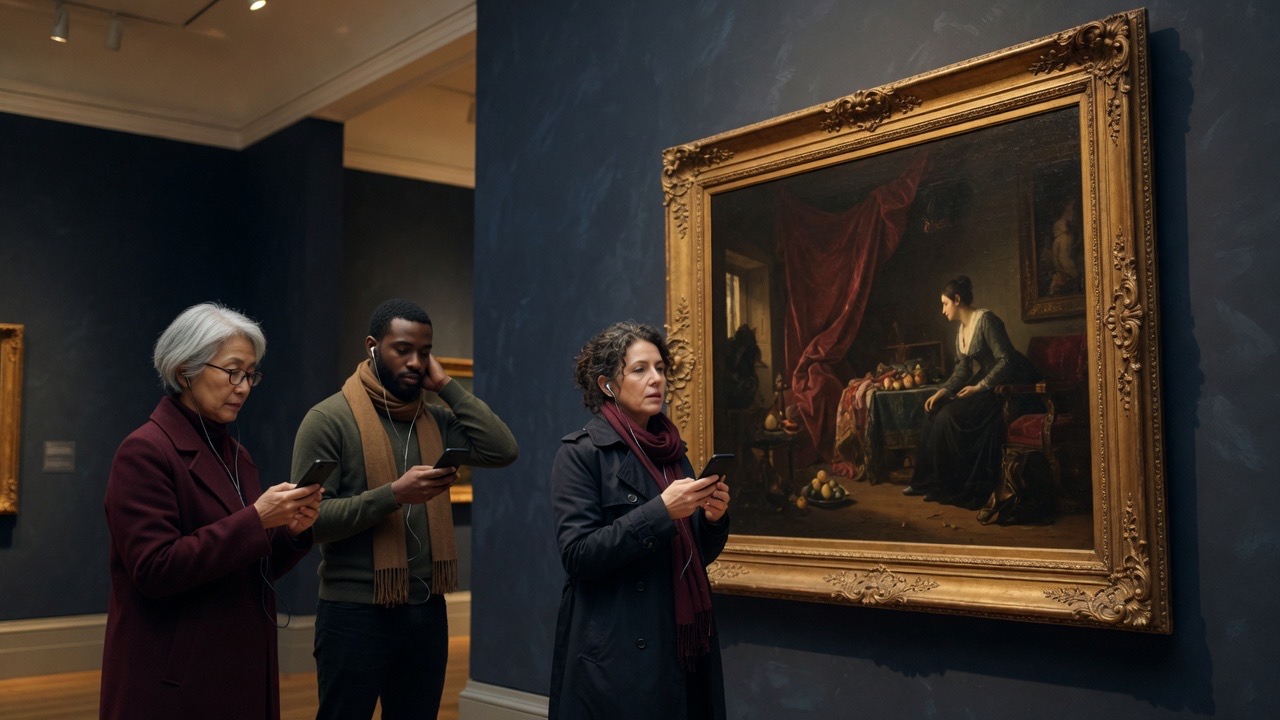
To make a multilingual museum audio guide, pick languages from who actually visits, finish and test the source script first, have native speakers translate it for listening rather than reading, record each language in the same conditions, add a transcript per language, and use one code per stop with a language choice on the visitor’s phone. Plan from day one how an edit reaches every language.
Key takeaways
- Pick languages from ticketing, group bookings, and desk questions, not from a wish list.
- Freeze the source script before translation starts. Every later change costs one edit per language.
- Translate for the ear: short sentences, names a narrator can pronounce, the same length per stop.
- One code per stop, with the language chosen on the phone, keeps the wall clean.
1. Choose languages from who actually visits
Every language you publish is a script to translate, a voice to record, and a version to maintain. Start with the languages your visitors already speak, and add more once the first set runs well.
- Ticketing or booking data: country, postcode, or the language the booking was made in
- Group bookings: schools, tour operators, and the languages they ask for
- The desk: which languages staff are asked for, and which they cannot help with
- Your region: a Belgian museum will usually want Dutch and French, often English, and German near the eastern border
Two well-made languages beat six thin ones. A visitor who hears a clumsy translation trusts the rest of the visit less.
2. Finish the source script first
Write, record a rough take, and walk the route in one language before anyone translates. Stops move, merge, and get cut during that walk. Each of those changes is cheap in one language and expensive in five.
The writing process itself is in How to create a museum audio guide in-house.
3. Translate for the ear
An audio script is not a wall label. Ask a translator who is a native speaker of the target language, and tell them the text will be heard, not read.
- Keep each stop close to the source length, so the walk takes the same time in every language
- Allow local equivalents for idioms and jokes rather than literal ones
- Agree how names, places, and titles are said, and add a pronunciation note for the narrator
- Read every translated stop aloud before it is recorded
Machine translation can give a translator a first draft. Do not publish it unreviewed: errors that are easy to skim past in print are obvious when spoken.
4. Record each language the same way
Use a native speaker for every language. Visitors notice an accent before they notice anything else about the guide.
- Same room, microphone, and distance for every language, so switching does not jump in volume
- Name files by stop and language, for example 07-loom-fr.mp3
- Give the narrator the final text, the pronunciation notes, and a photo of the object
5. Add a transcript in every language
A transcript beside each clip helps deaf and hard-of-hearing visitors, visitors in a noisy room, and anyone who follows a second language better in writing than by ear. Publish it in each language you record. The accessibility guide covers what else to check.
6. One code per stop, language on the phone
A separate code per language turns every label into a grid of squares and makes visitors pick the right one. Put one code on each stop and let visitors choose their language in the guide.
- Say which languages are available at the entrance and on the codes, for example “Audio: NL · FR · EN · DE”
- Test the language switch on iOS and Android before you print
- Check that a visitor who switches language stays on the same stop
7. Keep every language in sync
Most multilingual guides go wrong after opening: a date is corrected in one language and stays wrong in the others. Decide who owns each language, and treat an edit as finished only when every language has it.
- Keep a short change log per stop: what changed, and which languages are updated
- Check which languages visitors actually choose, and invest in those first
- Add a language when it is ready, not all at once on opening day
If you use Audiogids
Audiogids publishes each stop in every language you add, with your own audio and a transcript per language. Visitors scan one code per stop and pick their language on their phone. The dashboard shows which language each visit used. See multilingual audio guides, or how it works for temporary exhibitions.
There is a free trial week with no card, then €27 a week on invoice for the dates the tour runs. Contact us if you have a question.
Frequently asked questions
How many languages should a museum audio guide have?
As many as your visitors need and your team can maintain. Many venues open with two or three and add more once the first set runs well.
Can we use machine translation for an audio guide?
As a first draft for a translator, yes. Have a native speaker review and read every stop aloud before recording. Spoken errors are much more noticeable than printed ones.
Do we need a separate QR code for each language?
No. One code per stop is clearer on the wall. Visitors choose their language in the guide, and switching should keep them on the same stop.
Should every language have a transcript?
Yes. A transcript in each published language helps deaf and hard-of-hearing visitors and anyone who reads a second language more easily than they hear it.
Related guides
- How to create a museum audio guide in-house
A practical process for museums: choose a short route, write for the ear, add audio and transcripts, then proof QR codes on the gallery floor before you print.
- Accessible museum audio guides: transcripts, browsers, and WCAG
What actually makes a museum audio guide more accessible: transcripts, browser settings, language choice, and honest WCAG language between venues and vendors.
Start with a free week
No card. Invoice when you are ready.
No credit card · Cancel anytime